Sensor data to Internet using Arduino and PC – Part 2
Part 2: Reading serial data using Python
Part 1 shows how to generate data from the Arduino to the serial that Python can read. This part shows reading this serial data from the COM port using Python. This can be done using the below code:
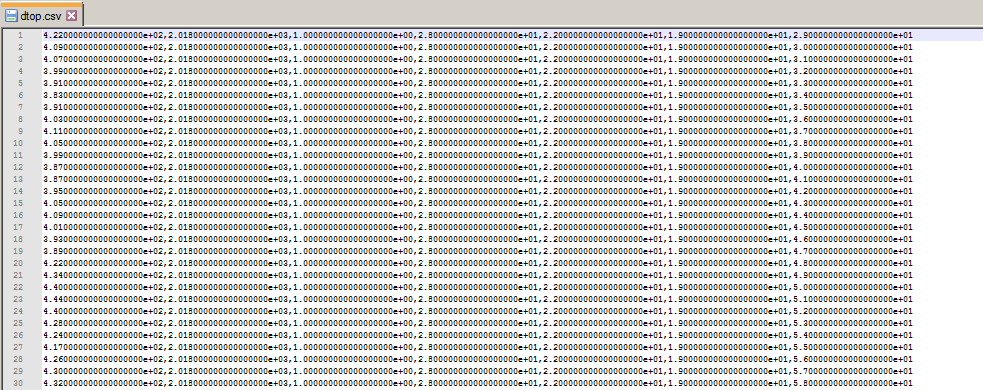
This generates a file called “dtop.csv” in the working folder.
Note: close Arduino Serial Monitor whilst running this program and vice versa - or you may face a permission conflict.
Since we defined as the serial data as float in python, the values look like below in a text editor: